Product details
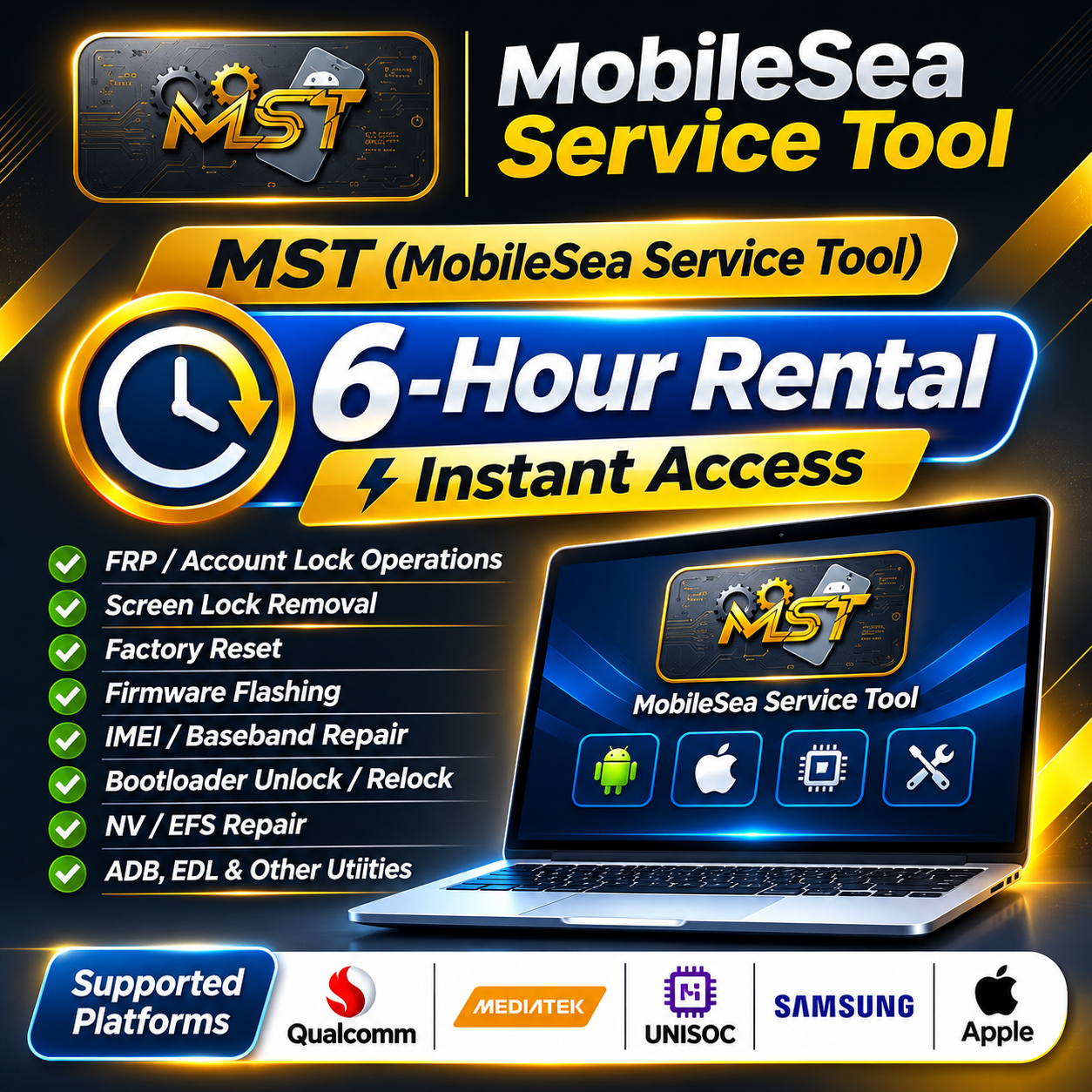
MobileSea Service Tool (MST) — 6-Hour Rental | Instant Access
USD 2.50
In stock
Delivery: 0-5 Minutes
Description
MobileSea Service Tool (MST) — 6-Hour Rental | Instant Access Get temporary access to MobileSea Service Tool (MST) for 6 hours through UnlockCare. MST is a multi-brand mobile servicing utility designed for supported Android and Apple device repair, unlocking, firmware operations and maintenance. SERVICE INFORMATION Tool: MobileSea Service Tool (MST) Rental Duration: 6 Hours Access: Instant Access Processing: Automatic Service Type: Temporary Software Rental AVAILABLE FUNCTIONS FRP and Account Lock Operations Screen Lock and User Lock Services Factory Reset and Device Reset Firmware Flashing and Partition Write IMEI and Baseband Repair on Supported Devices Bootloader Unlock and Relock NV, EFS, Security and Calibration Data Repair ADB, Fastboot, EDL and Other Supported Device Operations Device Diagnostics and Utility Functions Available functions depend on the device model, chipset, firmware, security patch, connection mode and current software version. Not every operation is supported on every device. SUPPORTED CHIPSETS & DEVICES MobileSea Service Tool provides modules for: Qualcomm MediaTek (MTK) Unisoc / SPD HiSilicon / Kirin Samsung Apple Supported brands include selected models from Samsung, Xiaomi, Huawei, Honor, OPPO, Vivo, Tecno, Infinix, ZTE, Nokia and other manufacturers. Always check the official supported-device list to confirm the exact model and available operation before starting. SYSTEM REQUIREMENTS Windows 64-bit PC Internet connection Administrator permission to run the software Correct USB drivers for the device chipset or brand Compatible USB cable and properly prepared device The official MST software is portable and does not require a traditional installation. Download the software and run it as administrator. HOW THIS SERVICE WORKS Place your order for the 6-hour MST rental. After successful automatic processing, UnlockCare will provide the temporary access details and instructions. Download the official MobileSea Service Tool software. Prepare your Windows PC and install the required USB drivers. Sign in using the access details supplied for your rental. Use the available supported functions during your rental period. PROCESSING & DELIVERY Processing: Automatic Delivery: Instant after successful processing Rental Period: 6 Hours Access Expiry: Access ends when the rental period expires. IMPORTANT TERMS & CONDITIONS This service provides temporary MobileSea Service Tool access for 6 hours only. The rental period starts according to the access activation time. Access expires when the rental period ends. Use only the account and access details supplied for this rental. Do not share your rental access details with other users. MobileSea account activation is account-based. Follow the access instructions provided by UnlockCare. Additional official license periods, server services or third-party services are not included unless explicitly stated. Device compatibility and available functions must be checked before starting an operation. Some operations require specific drivers, connection modes or device preparation. Additional rental time requires a new rental order. Prepare your computer and device before starting the rental period. Use the software only on devices you own or are authorized to service. OFFICIAL WEBSITE & RESOURCES Visit the official MobileSea website for software downloads, supported devices, USB drivers, tutorials and the latest updates. VISIT OFFICIAL MOBILESEA WEBSITE CUSTOMER SUPPORT If you experience any issue with your rental access, please contact UnlockCare support and provide your order details.